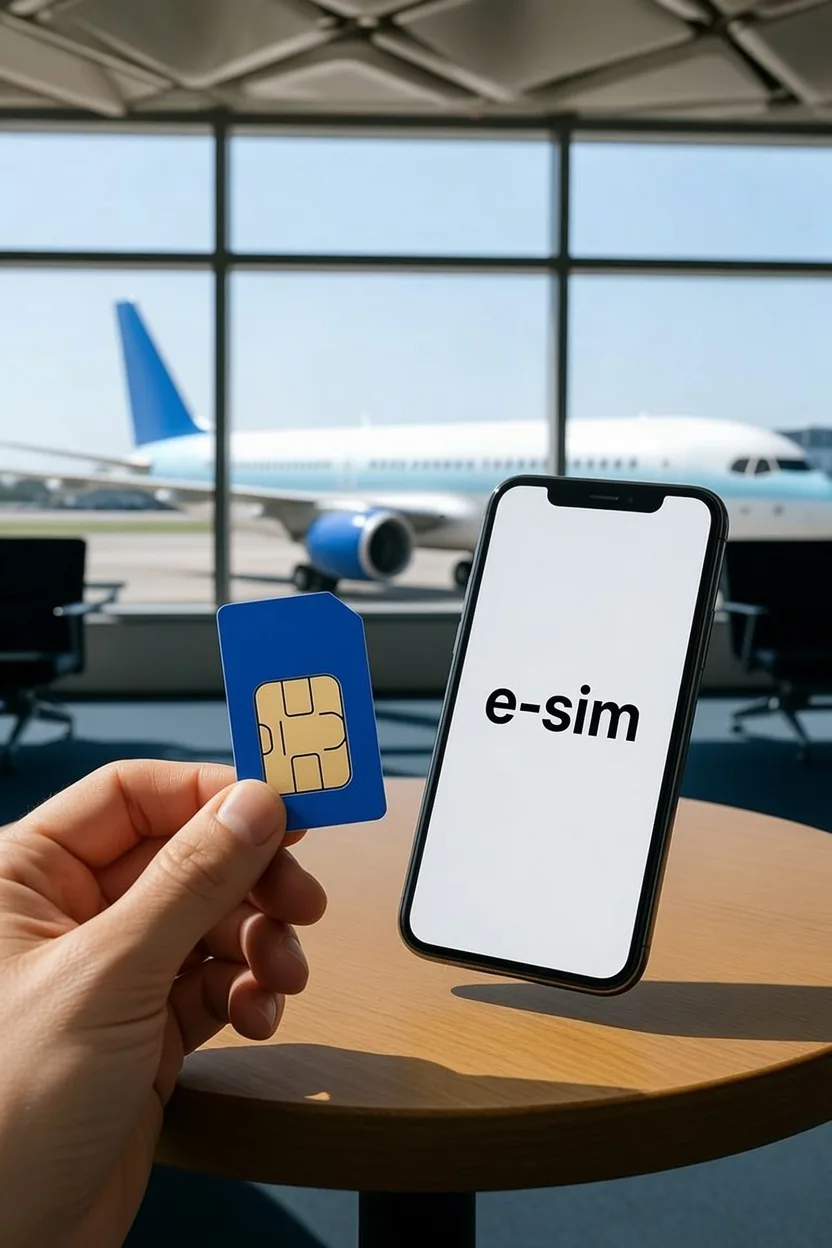
Before you compare prices, check one thing: can your phone actually take the option you are about to buy?
That question decides more trips than cost does. Some phones sold in the United States have no SIM tray at all, so a physical SIM is simply not an option.
Other handsets do not support eSIM, which makes a physical SIM the only route.
The second question is whether you need a Korean phone number or just data. Most short-trip visitors need only data.
If that is you, the practical answer in 2026 is usually a data-only eSIM, which generally requires no passport verification and works the moment you land.
Everything below works through that decision in order, plus a third option most guides skip.
Quick verdict
| If this is you | Start with |
|---|---|
| Short trip, maps and messaging only | Data-only eSIM |
| Phone has no SIM tray (many recent US models) | eSIM, it is your only choice |
| Older phone or a model without eSIM support | Physical SIM |
| Phone is locked to your home carrier | Neither works until it is unlocked |
| You need a Korean number for calls or texts | A product that includes voice, with passport verification |
| Family or group sharing one connection | Price a pocket Wi-Fi router against separate lines |
| You rely on home-country bank OTP codes | Keep your home SIM active, add a Korean eSIM |
| Arriving after midnight | Buy an eSIM before you fly |
The three options compared
Most guides frame this as SIM versus eSIM. Pocket Wi-Fi is a genuine third option, especially for groups.
| Physical SIM | eSIM | Pocket Wi-Fi | |
|---|---|---|---|
| Installation | Swap the card by hand | Scan a code, no card | Carry a small router |
| Device requirement | Needs a SIM tray | Needs eSIM support | Any Wi-Fi device |
| Carrier lock | Must be unlocked | Must be unlocked | Not affected |
| When to buy | On arrival or pre-booked | Before you fly | Pre-booked, usually |
| Airport pickup | Usually required | Not required | Required, plus return |
| Keeps your home SIM | No, it replaces it | Yes | Yes |
| Korean number | Sometimes, product-dependent | Sometimes, product-dependent | No |
| Calls and texts | If the product includes them | If the product includes them | Data apps only |
| Tethering | Usually, check terms | Usually, check terms | That is the whole point |
| Shared by several people | No | No | Yes |
| If you split up | Everyone stays online | Everyone stays online | Only whoever holds it |
| Charging | Nothing extra | Nothing extra | Router needs charging daily |
| Loss risk | Losing your home SIM | Low | Losing the router, often with a fee |
| Return required | No | No | Yes, before departure |
None of these is cheapest in every case, and pricing moves. Compare current plans on the provider's own page rather than assuming eSIM always undercuts a physical SIM.
Start with your device
Two device facts catch travelers out, and they point in opposite directions.
Some recent phones have no SIM tray. iPhone models sold in the United States from the iPhone 14 generation onward ship without one, so those handsets are eSIM-only. Travelers who planned to grab a physical SIM at the airport find they cannot use it.
Some phones do not support eSIM at all. Older handsets and certain models sold in particular markets fall into this group, which makes a physical SIM the only route. Check your specific model on the manufacturer's support pages rather than relying on a general rule.
Carrier lock applies to both. A handset locked to your home carrier will reject any Korean SIM or eSIM profile. Ask your home provider to unlock it before you travel, because that can take time.
What changed in 2026: passport verification
This is where most outdated advice goes wrong. The requirement depends on what the product does, not on whether it is physical or embedded.
- Data-only products generally need no passport verification. You buy, install, land, switch it on, and you have data. For a leisure trip this covers the large majority of visitors.
- Products that include calling and texting do require passport verification. That is done after arrival, at a provider counter or through the provider's own online process.
- Until verification completes, some voice products give you data only. Calls and texts stay switched off until the check clears, which surprises people who bought a voice plan expecting it to work on landing.
Two further conditions are worth checking on the product page before you pay, because they vary: some products must be activated within a set window after purchase, and some limit you to one product per passport. If you buy a voice-inclusive product, carry your physical passport for the verification step.
A Korean number is not Korean identity verification
This distinction is the single most useful thing on this page, and almost every listing blurs it.
Some tourist products do provide a Korean number after passport verification. That number can generally receive calls and texts, and outgoing use may require topping up.
What it usually cannot do is pass Korean identity verification, the 본인인증 step that Korean banks, government services, and payment flows rely on. Those systems expect a line registered to a resident identity.
A genuine resident line requires an Alien Registration Card and a longer-stay visa, which puts it out of reach on a tourist entry. Having a Korean phone number does not automatically mean Korean identity verification will work.
| What you want to do | Tourist number | Resident line (ARC) |
|---|---|---|
| Receive calls and texts in Korea | Usually yes | Yes |
| Give a callback number on a form | Yes | Yes |
| Make outgoing calls | Often needs top-up | Yes |
| Korean identity verification (본인인증) | Generally no | Yes |
| Payment authentication SMS | Generally no | Yes |
Availability and conditions differ by product and provider, so confirm what a specific plan actually includes before buying.
Do you actually need a Korean number?
For a one-week trip, usually not. Work through this before you pay extra for voice.
You generally do not need one for:
- Maps, transit, and translation apps.
- KakaoTalk, which registers with a home-country mobile number. Set the account up before you travel if you can, and use a real mobile line rather than a VoIP number.
- WhatsApp, iMessage, and data calls, all of which work fine on a data-only plan.
- Banking apps that authenticate in-app rather than by Korean SMS.
- Booking and paying for the great majority of tourist activities.
You might need one for:
- Creating a Korean account on services such as Naver or Coupang.
- Delivery apps, which commonly want a Korean number.
- Some online reservations that send a one-time code to a Korean number.
- Registering KakaoTalk for the first time while already in Korea, if that did not go smoothly.
Our Korea travel apps guide covers which apps need what, and how to set each one up.
The hidden cost of a physical SIM
Swapping in a Korean SIM means your home number stops receiving calls and texts for the trip. That matters more than it sounds.
If your bank sends one-time passcodes by SMS to your home number, you can be locked out of your own accounts while abroad. People discover this at the worst possible moment.
Two workable fixes:
- Dual SIM. Keep your home physical SIM in the tray and add the Korean plan as an eSIM. Home texts still arrive, Korean data runs alongside.
- Call forwarding. Set your home carrier to forward calls before you leave. This covers voice but not always SMS, so check what your carrier actually forwards.
Where and when to buy
- Provider websites and official app stores, for eSIM. This is the one you can complete before you fly.
- Airport arrival counters, for physical SIMs, pocket Wi-Fi pickup, and voice-product passport verification.
- Officially designated resellers in the city, if you would rather sort it out later.
- Convenience-store products exist, but activation terms and whether a number is included vary, so read the conditions rather than assuming.
Setting it up
eSIM, before you fly
- Confirm your phone supports eSIM and is carrier-unlocked.
- Buy from the provider and receive the activation details.
- Install while on stable home Wi-Fi, not at the airport.
- Keep your home line as the default for calls and texts if you want to stay reachable.
- Set the Korean profile as the data line, and turn data roaming on for that profile only.
- Leave the profile installed for the whole trip.
Physical SIM, on arrival
- Bring your passport and your booking reference if you pre-ordered.
- Confirm at the counter whether the plan includes a number, and whether verification is needed.
- Ask staff to eject and swap the card so nothing is dropped.
- Store your home SIM somewhere fixed, immediately.
- Check that data works before you leave the counter.
- Note the plan's end date and how to extend it if you need to.
Which option by traveler type
| You are | Reasonable starting point |
|---|---|
| Solo, short trip, maps and chat | Data-only eSIM |
| Solo, heavy data or tethering a laptop | eSIM, but check the high-speed allowance |
| A couple | Two data-only eSIMs, or one plus tethering |
| A family or group staying together | Compare pocket Wi-Fi against separate lines |
| A group that splits up during the day | Individual lines, not a shared router |
| Needing a Korean number for bookings | A voice-inclusive product, with passport verification |
| On a phone with no SIM tray | eSIM only |
| On an older phone without eSIM | Physical SIM only |
| Arriving late at night | Pre-purchased eSIM |
Common mistakes
- Comparing prices before checking whether the phone has a SIM tray or supports eSIM.
- Assuming a locked phone will accept a Korean SIM.
- Buying a physical SIM for a recent US iPhone that has no tray.
- Believing passport verification is needed just to get data.
- Buying a voice plan and expecting calls to work before verification clears.
- Assuming a tourist Korean number will pass Korean identity verification.
- Swapping in a physical SIM and then missing home-bank OTP texts.
- Losing the home SIM during the swap.
- Planning to register KakaoTalk for the first time after landing.
- Assuming an airport counter will be open on a very late arrival.
- Treating an unlimited label as genuinely unlimited at full speed.
- Deleting an eSIM profile mid-trip and finding it will not reinstall.
- Choosing a shared router for a group that plans to split up.
FAQ
Do I need passport verification just to use data?
Generally no. Data-only products typically work without it. Passport verification attaches to products that include a Korean number for calls and texts.
Is eSIM or a physical SIM better in Korea?
Neither is better across the board. Decide by device first: if your phone has no SIM tray, eSIM is the only option, and if it does not support eSIM, a physical SIM is. Then weigh whether you need a Korean number.
Can I use KakaoTalk without a Korean number?
Yes. KakaoTalk registers with a home-country mobile number, and it works on a data-only plan. Set the account up before you travel where possible, and use a real mobile line rather than a VoIP number.
My iPhone has no SIM tray. What are my options?
An eSIM, or a pocket Wi-Fi router. iPhones sold in the United States from the iPhone 14 generation onward have no SIM tray, so a physical Korean SIM cannot be fitted.
Will I get a Korean phone number?
Only if the product includes one, and then only after passport verification. Many data-only plans give no number at all, which is fine for most tourist needs.
Can I use a Korean tourist number for banking or ID verification?
Generally no. Korean identity verification expects a line registered to a resident identity, which requires an Alien Registration Card and a longer-stay visa.
What happens to my home number if I use a physical SIM?
It stops receiving calls and texts while the Korean card is in the phone. Use dual SIM, keeping your home SIM in the tray and the Korean plan as an eSIM, or set up call forwarding before you leave.
Is pocket Wi-Fi worth it?
It can be for families and groups staying together, since one router serves several devices. It is less suitable if you split up during the day, and it has to be charged daily and returned before departure.
Can I tether or use a hotspot?
Usually, but terms differ by plan, and tethering consumes any high-speed allowance quickly. Check the plan's conditions before relying on it for a laptop.
Should I buy before I fly or at the airport?
Buying an eSIM in advance removes the arrival-hall step entirely and is the safer choice for late arrivals. Physical SIMs and pocket Wi-Fi generally involve a counter, so pre-book where you can.
How much data do I actually need?
Maps, messaging, and translation use relatively little. Video streaming, tethering a laptop, and uploading large photo or video files are what drain a plan. Check current allowances on the provider's page.
Can I extend or top up mid-trip?
Many plans allow it, through the provider's app or site, though the method varies. Confirm how extension works before you buy if your dates might change.
The bottom line
Do not start with price. Start with your phone: does it have a SIM tray, does it support eSIM, and is it unlocked. That narrows the field before any plan is compared.
Then ask whether you genuinely need a Korean number. If maps, translation, and messaging are the job, a data-only plan is usually enough and skips passport verification entirely.
Finally match the shape of your trip. Solo travelers and couples do well on individual lines, groups staying together should price a shared router, and anyone depending on home-bank codes should keep their home SIM live alongside a Korean eSIM.
Plans, prices, and counter hours change, so confirm the current details with the provider before you buy. Once you are online, our Korea travel apps guide covers what to install, and how to pay in Korea handles the other arrival task.
Sources
- Visit KoreaOfficial tourism site
- Incheon International Airport (official)Official transport site
- Apple Support, set up an eSIM on iPhoneofficial_service_site
Information is compiled from official sources. Details such as prices, hours, and schedules can change. Confirm time-sensitive facts before you travel.
Last verified on
Related guides

Essential Travel Apps for Korea
Install a Korean map app (Naver Map or KakaoMap), a translator (Papago), and a transit app before you arrive, because Google Maps transit is unreliable in Korea. Add a taxi app and, optionally, food delivery to round out a smooth trip.

How to Pay in Korea: Credit Cards, Cash, WOWPASS, ATMs, and Mobile Pay
Korea is card-friendly, but the smartest setup is not to rely on one method. Bring a foreign credit or debit card, keep a little cash, get a transit card, and consider a foreigner prepaid card like WOWPASS for the kiosks that reject foreign cards. The breakdown below is current for 2026. Check foreign-transaction rules with your bank before you leave.